Install
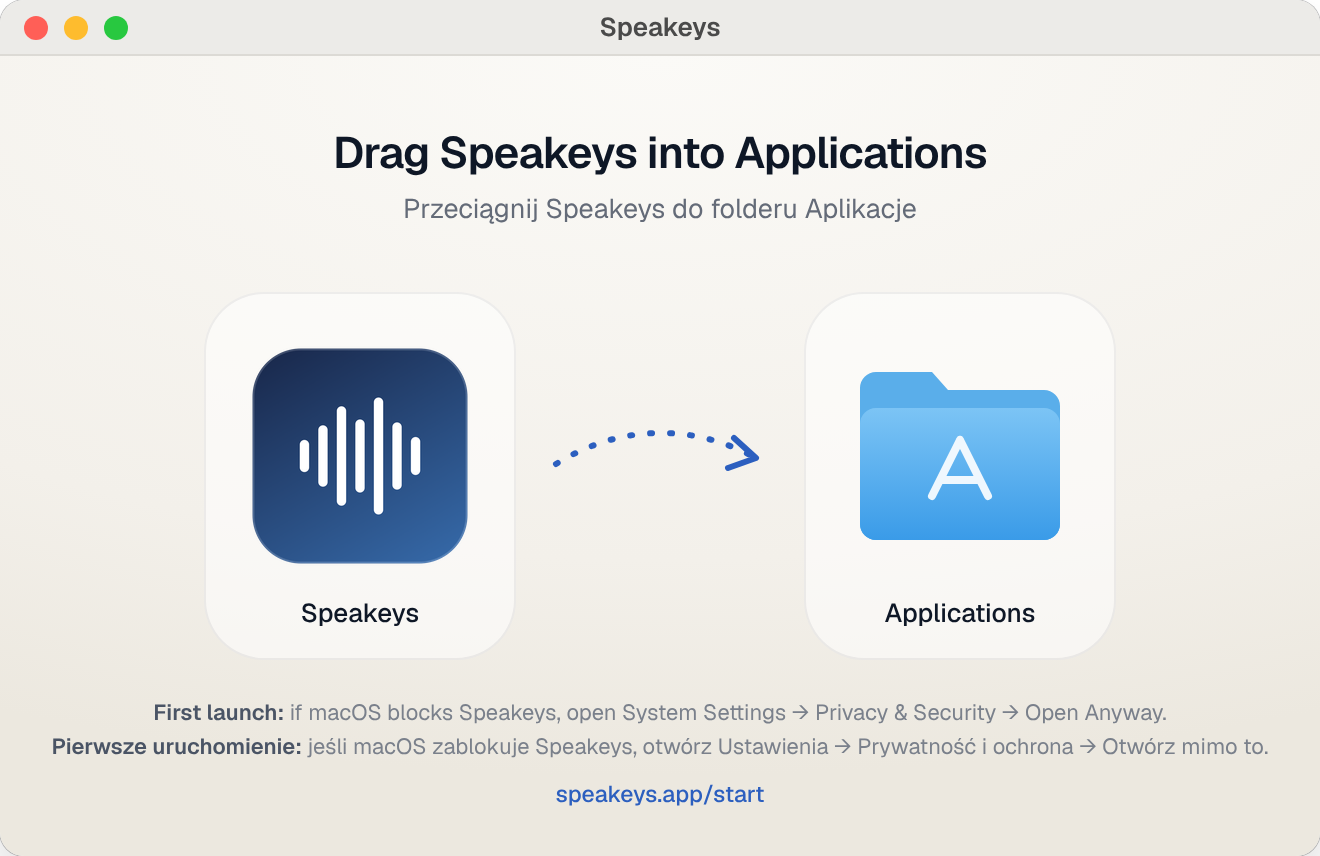
Open Speakeys.dmg and drag Speakeys onto the Applications folder.
Getting started
Five minutes from download to your first dictated sentence. You can practise right on this page.
Open Speakeys.dmg and drag Speakeys onto the Applications folder.
Open Speakeys from Applications. A waveform icon appears in the menu bar at the top of the screen — that’s Speakeys. It has no window and no Dock icon.
macOS says Speakeys can’t be opened? Click Done, then open System Settings → Privacy & Security, scroll down to Security and click Open Anyway next to Speakeys. Confirm with your password or Touch ID. You only do this once.
Speakeys uses your own key for Groq, the fast speech and AI service. It’s free to start.
gsk_).Tip: in the Groq console, turn on Settings → Data Controls → Zero Data Retention so Groq keeps no logs of your requests.
Click Allow when macOS asks for the microphone. Then choose Grant permissions… in the Speakeys menu and switch Speakeys on under Accessibility — it lets Speakeys notice the keys you hold and paste text for you.
Click into the box below, hold right ⌘, say a sentence and let go. Try: “Hi Marta, thanks for the deck — can we talk tomorrow morning?”
It works. That’s all there is to it.
Select all the text in the box (⌘ A), hold left ⌥ and say: “Make it shorter and more polite.” Let go — the text is rewritten in place.
Rewritten. Try another instruction, e.g. “Translate into German”.
Your 7-day trial has started. When it ends, pick a plan and paste your license key via “Enter license key…”.
Stuck? Write to [email protected] — we reply within one business day.